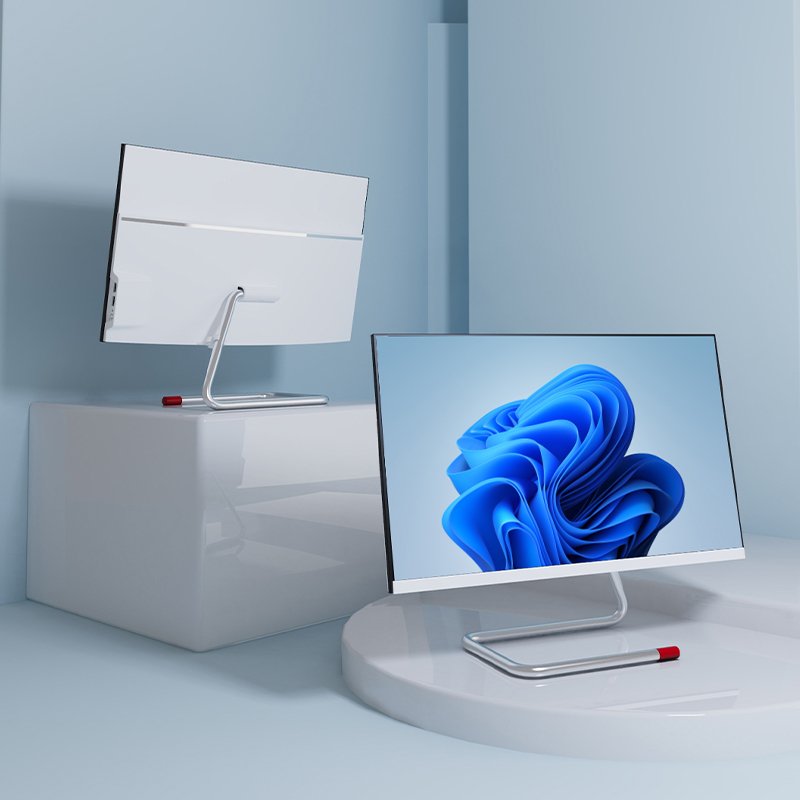
All-in-One-PC
Selecting the perfect All-in-One (AIO) PC can be a streamlined process when you focus on the key components that align with your daily tasks. Unlike traditional desktops, AIOs integrate everything into a sleek display, making the right configuration crucial for performance and longevity. This guide will help you navigate the essential specs.
Start with Your Core Needs
Your primary use case dictates everything. For general tasks like web browsing, office work, and video calls, a balanced configuration is sufficient. If you’re into photo/video editing, 3D modeling, or coding, prioritize high-performance parts. For pure media consumption, screen quality and sound become paramount.
Key Components Explained
- Processor (CPU): The computer’s brain. For everyday use, a modern Intel Core i5 or AMD Ryzen 5 is excellent. Demanding creative work benefits greatly from an i7/Ryzen 7 or higher.
- Memory (RAM): This affects multitasking smoothness. 8GB RAM is the standard baseline today. Choose 16GB or more if you regularly use professional software or have dozens of browser tabs open simultaneously.
- Storage (Hard Drive): A Solid State Drive (SSD) is non-negotiable for fast boot and load times. A 256GB SSD is the minimum; opt for 512GB or more, or a combination of SSD (for system) and HDD (for files), for ample space.
- Graphics (GPU): Integrated graphics (built into the CPU) handle daily tasks and light entertainment. If you edit videos, play games, or work with complex graphics, a dedicated NVIDIA GeForce or AMD Radeon GPU is essential.
- The Display: This is your main interface. Consider:
- Size: 24-inch is common; 27-inch or larger offers a more immersive experience.
- Resolution: Full HD (1920×1080) is standard. 4K UHD (3840×2160) delivers stunning detail for creativity and media.
- Color Accuracy: Designers should look for high sRGB/Adobe RGB coverage (e.g., 99% sRGB).

Final Tips for Buying
- Future-Proofing: AIOs are harder to upgrade. Invest in slightly more RAM or storage than you currently need.
- Ports & Connectivity: Ensure it has the necessary USB-C/USB-A, HDMI ports, and modern Wi-Fi 6.
- Brand & Support: Choose reputable brands known for build quality and reliable customer service, as repairs can be complex.
By matching these specifications to your workflow, you’ll find an All-in-One PC that combines elegant design with the power to perform seamlessly.